

VLC Blames MS Defender Bug for 33-Second Startup Delays on Windows 11
VLC can take up to 33 seconds to start playing an MP3 on certain Windows PCs. According to VideoLAN, the developers of the open-source media player, the issue is caused by a bug in MS Defender.
Jonathan Blow, the game designer behind Braid and The Witness, recently switched from VLC to MS’s Media Player due to frustrations with VLC’s slow performance. He used this as an opportunity to express his criticism, claiming that “a large sector of open-source software is in a truly embarrassing place now.”
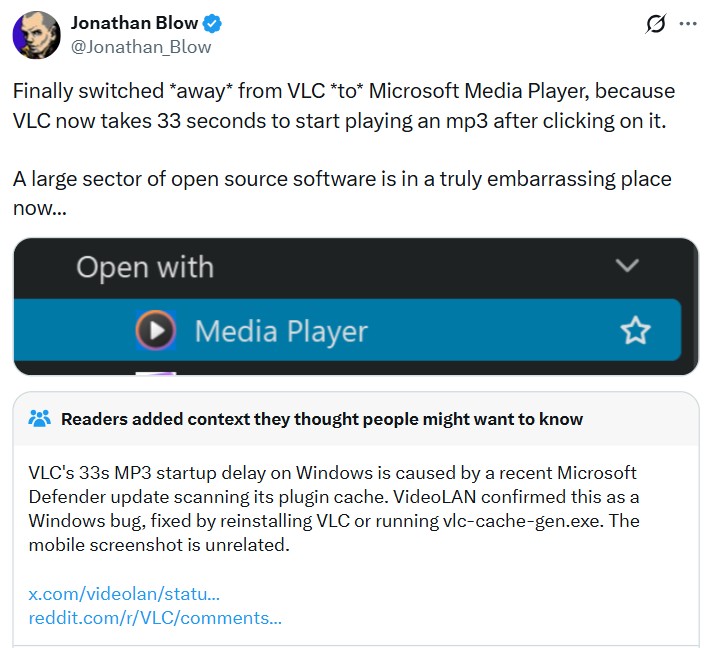
VideoLAN quickly responded to the criticism, pointing fingers at a Windows 11 Defender update for interfering with VLC’s plugin cache. However, upon reviewing VLC’s bug reports, it became clear that users on both Windows 10 and Windows 11 have reported similar startup delays.
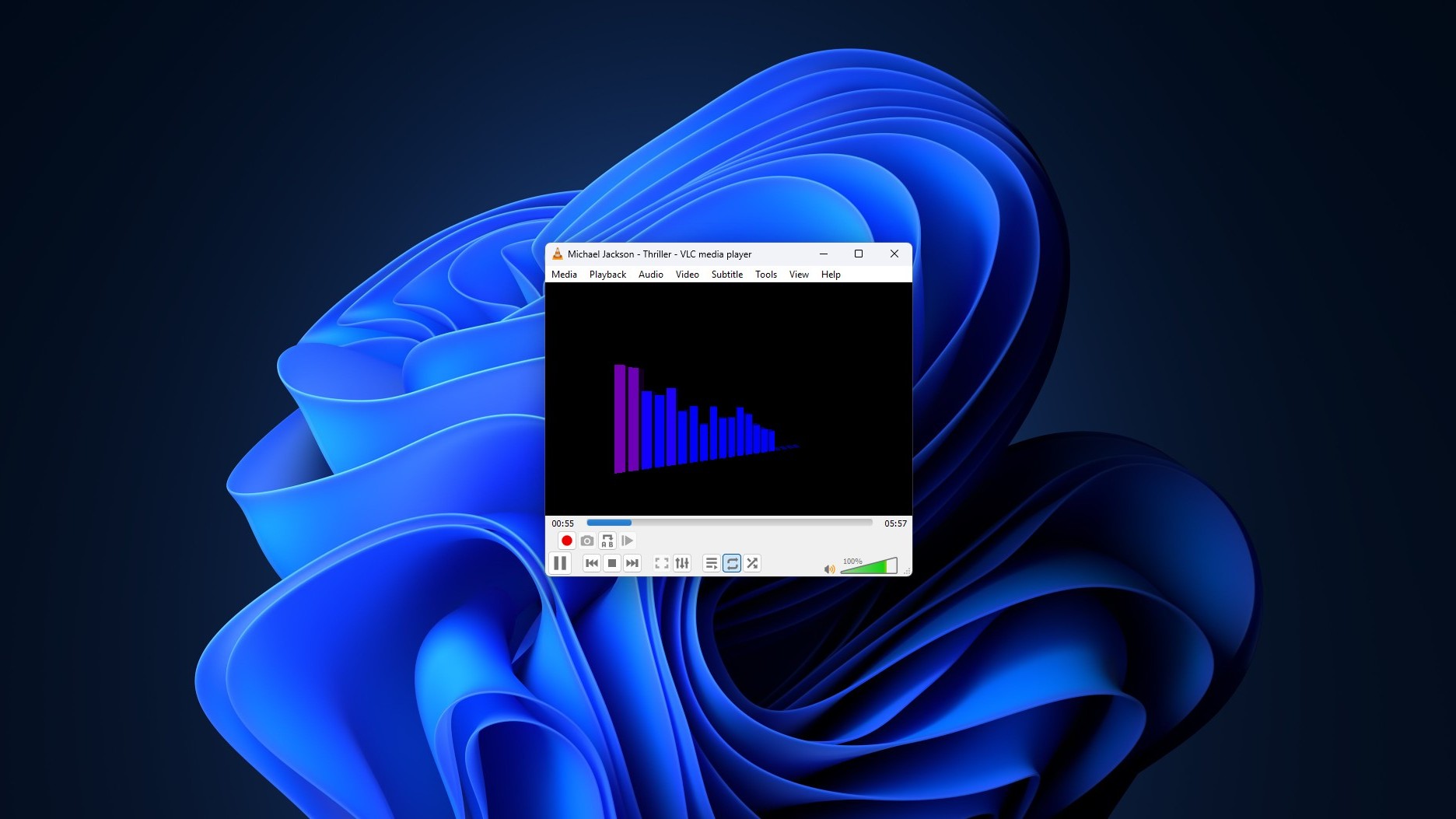
VLC Attributes the Delay to MS Defender
It’s worth noting that the criticism primarily concerns MP3 files, not video playback, which is typically VLC’s main use case. Personally, I’ve not experienced such delays with VLC, possibly due to my reliance on streaming services like Spotify. However, for those who do use VLC for music and face this issue, the root cause appears to be related to VLC’s plugin cache.
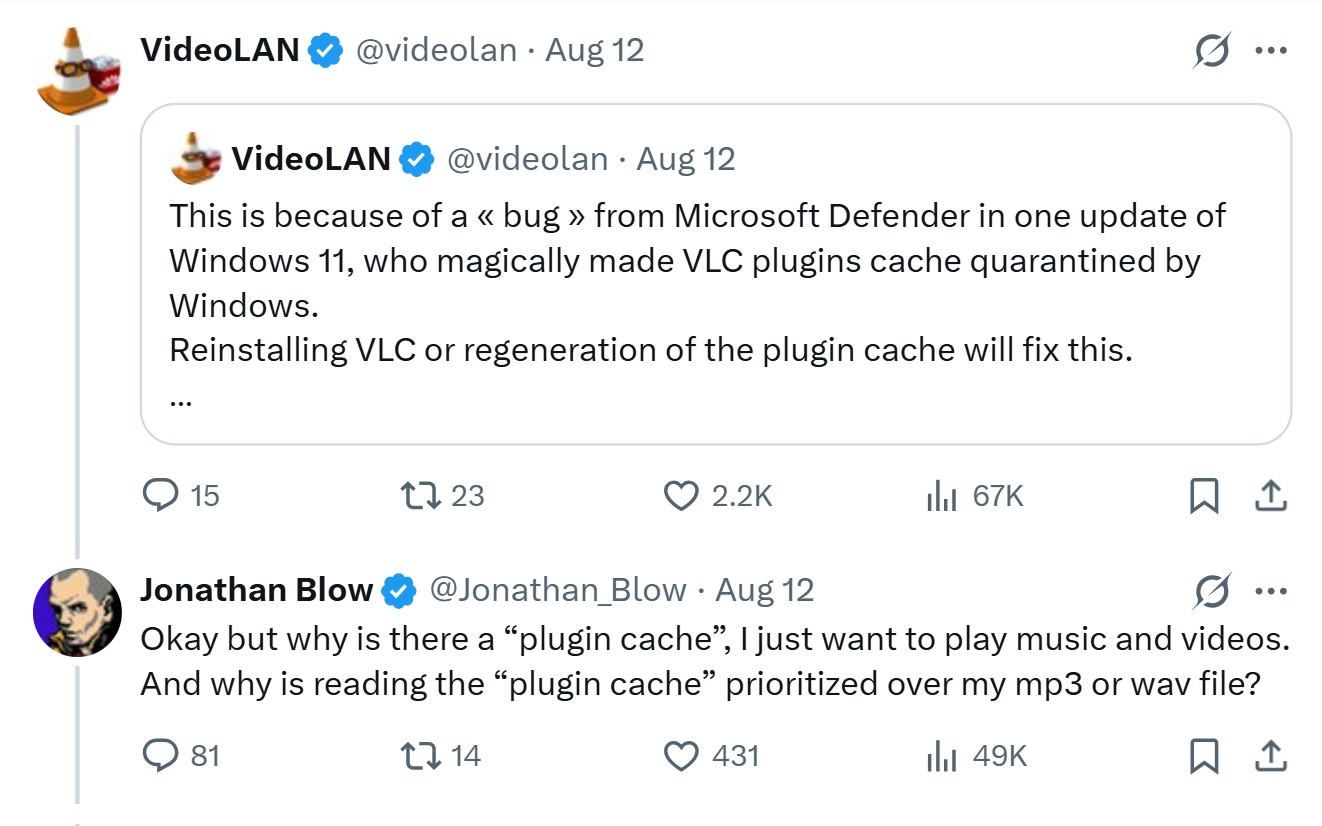
But this raises an interesting question: Why does VLC need a plugin cache in the first place?
Jonathan Blow himself posed this follow-up question, which sparked curiosity. Why would a media player require a cache just to play a single MP3 file?
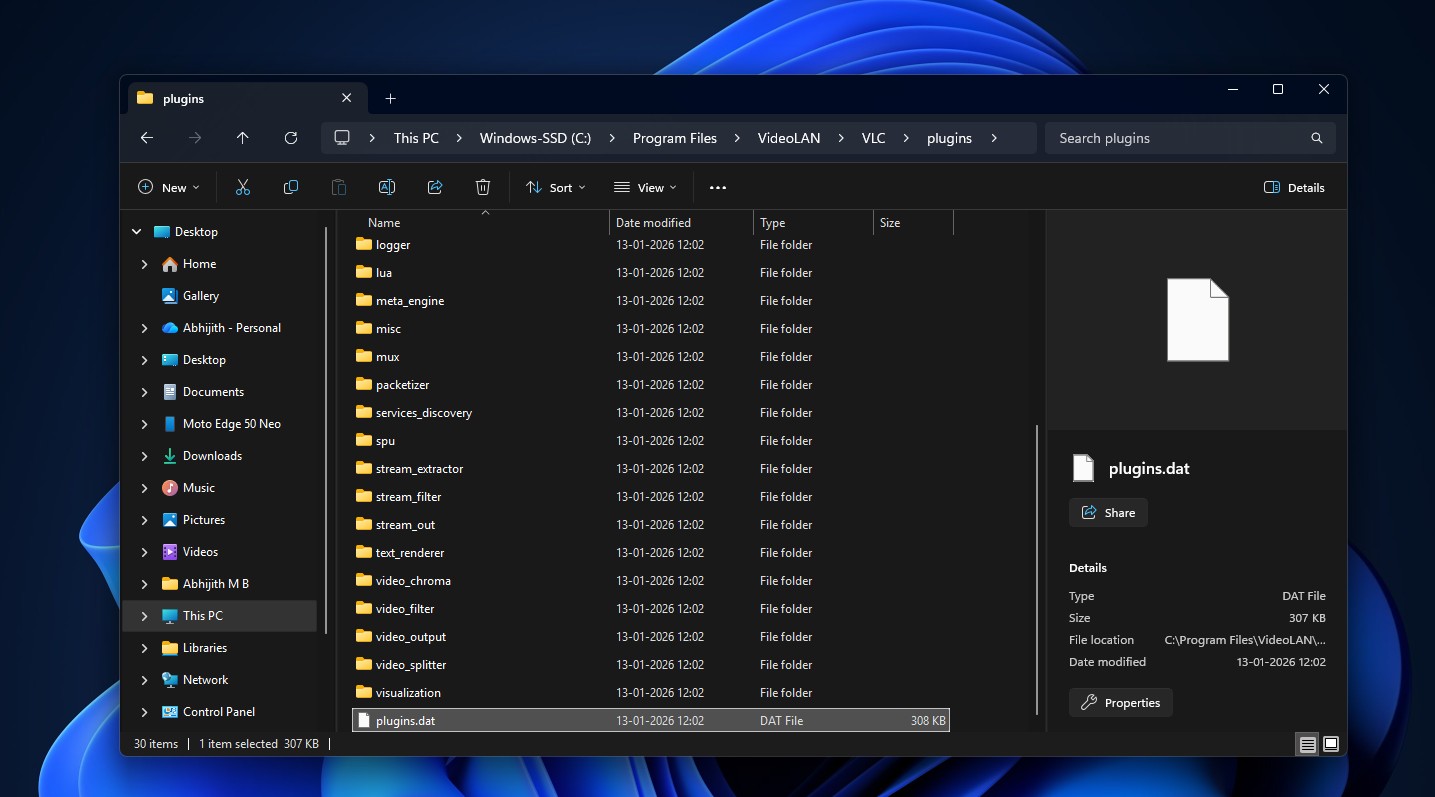
The explanation lies in VLC’s architecture. The player is built almost entirely from plugins, including codecs, demuxers, and input/output modules. These components are loaded on demand rather than being hardcoded into a single binary file. The plugin cache, stored in a file called plugins.dat, allows VLC to avoid re-scanning the entire plugins folder each time a media file is opened. While this is a practical design choice, it also creates a single point of failure when external factors, such as MS Defender, interfere with the cache.
VLC includes a tool named vlc-cache-gen.exe, which can regenerate the plugin cache. According to VideoLAN, running this tool or reinstalling VLC should resolve the issue.
However, a deeper dive into VLC’s public issue tracker reveals that the problem is more complicated than it seems.
VLC Bug Reports Show the Issue Isn't Limited to Windows 11
Slow startup times for VLC on Windows are not new. User complaints about this issue date back over a year. For example, one Windows 10 user reported a 24-second delay that only occurred after the PC had been idle for some time, and disappeared once VLC was opened again.
In another case, a user on Windows 11 with a high-performance PC (featuring a Ryzen 9 9800X3D processor and 32GB of DDR5 RAM) also experienced the same delay. Regenerating the plugin cache resolved the issue for them. Many others confirmed similar workarounds, such as excluding the VLC folder from Defender scans.
Interestingly, the original bug reporter noted that simply swapping in a known-good cache file eliminated the delay, even when the existing plugins.dat file was present. This suggests that the problem isn’t solely tied to a missing cache, prompting VLC’s developers to further investigate the interaction between Windows Defender and the plugin cache.
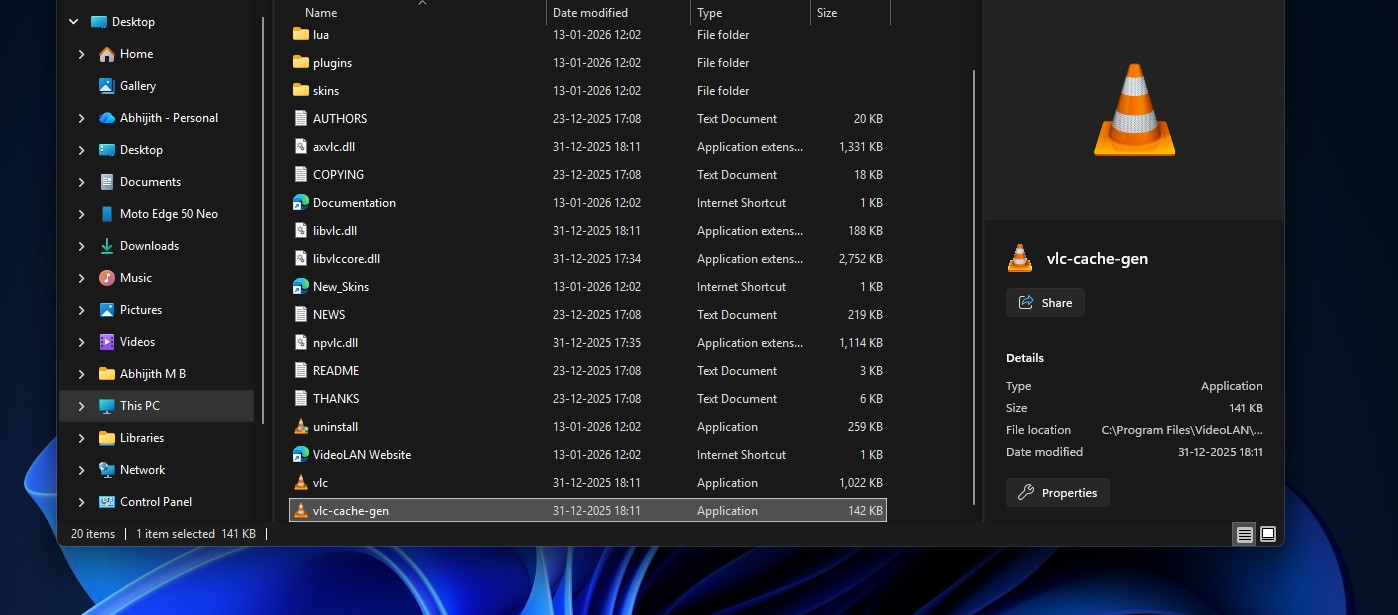
One VLC developer concluded that MS Defender is likely responsible for the slowdown, regardless of the state of the plugin cache. Meanwhile, another developer previously marked the issue as “fixed” because regenerating the cache appeared to resolve it for some users. However, the inconsistency in results highlights that this is not a straightforward issue, and further investigation is needed.
While the problem is not a baseless excuse, it’s also not as simple as blaming MS for breaking open-source software.
How to Fix VLC's Slow Startup on Windows
If VLC suddenly takes 10, 20, or 30 seconds to open, try the following steps before disabling MS Defender:
- Regenerate the plugin cache using vlc-cache-gen.exe or by reinstalling VLC.
- Exclude the VLC folder from MS Defender scans. Some users reported success with this workaround.
Keep in mind that these workarounds may not produce identical results for everyone.
Criticism of Open Source May Be Oversimplified
Jonathan Blow is not wrong in pointing out that waiting half a minute to play an MP3 on a modern PC is absurd. However, turning this single bug into a sweeping critique of open-source software is an overreach. VLC indeed has a cache issue that its developers are addressing, and VideoLAN’s claims about Defender interference are backed by evidence.

Blow’s decision to switch to MS’s Media Player is also ironic, considering that it has been criticized for being slower and more resource-intensive than VLC. Reports suggest Media Player uses around 377MB of RAM at idle and struggles with certain formats like HEVC, which VLC handles effortlessly.
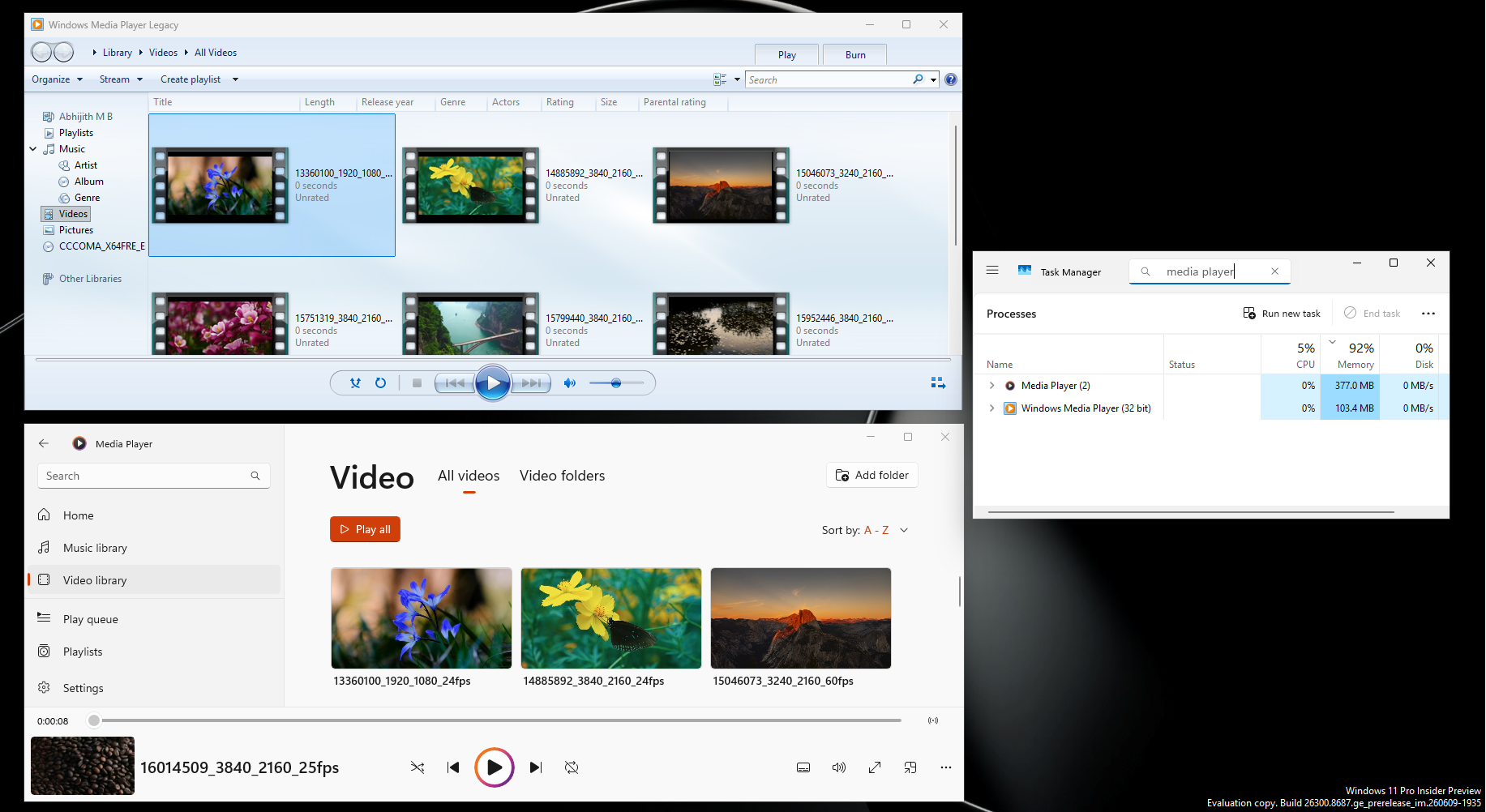
Nonetheless, VLC must adapt to challenges like these, especially given the competitive media player landscape.
Looking for a Faster Open-Source Player? Try mpv
We wouldn’t suggest abandoning VLC entirely because of this bug, especially since it remains a reliable and versatile media player. However, for those seeking a lighter alternative, mpv is worth considering.

mpv is a free, open-source media player that prioritizes performance and flexibility. Its minimalistic interface may take some time to adjust to, especially for beginners, but this simplicity is part of its charm.
For most users, VLC remains the easier recommendation due to its familiar interface and wide range of features. However, after waiting 33 seconds to play an MP3, it’s understandable if some Windows users decide to explore other options.
