

MS Addresses Criticism Over New Bing-Promoting App
MS has responded to the controversy regarding its newly launched app that encourages users to set Bing as the default search engine and homepage across all PC browsers.
In a statement to Windows Latest, MS clarified that the MS Recommended Search Settings app is not distributed via Windows or Edge. The company stressed that the app is optional and will not modify any default settings without user permission.
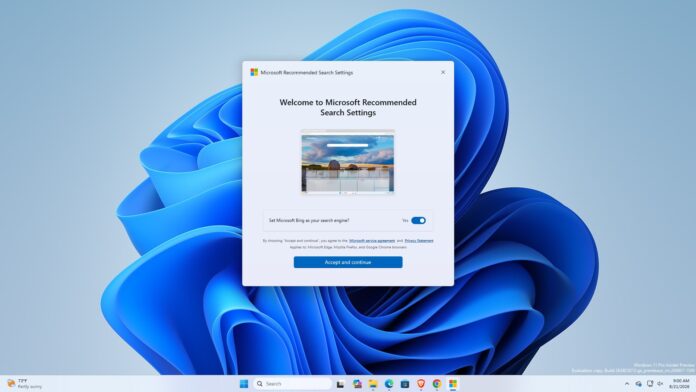
This is supported by the fact that MSSettings.exe is not included in a default Windows installation or available on the MS Store. The app must be manually downloaded from a specific portal. Testing has shown that it works seamlessly on PCs with Chrome and Brave installed, but its overall purpose remains ambiguous despite being an effective tool for updating browser search engine settings.
MS Confirms the App Is Not Pre-Installed
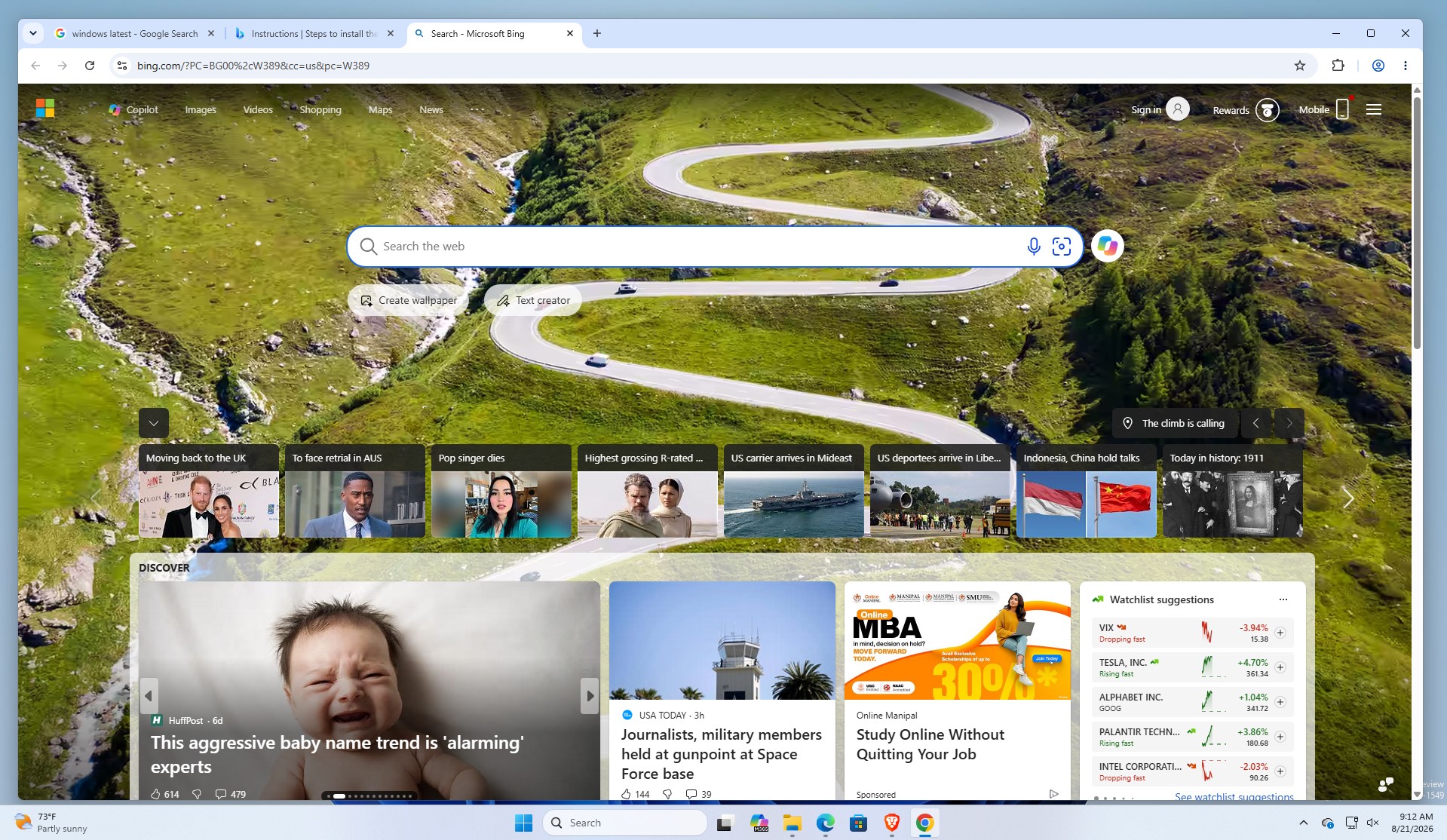
Testing revealed that the app successfully switched the default search engines for both Chrome and Brave from Google and Brave Search to Bing. It also set Bing's homepage as the new tab page. This demonstrates that the app is fully functional and not a prototype. However, MS reiterated that users must actively download and install the app, and any changes to default settings require explicit user consent.
A MS spokesperson told Windows Latest, “This is an optional app that users can choose to download and install. It isn’t distributed through Windows or Edge, and any changes to default settings require user consent. These settings can also be adjusted at any time.”
MS further confirmed that the app does not come via Windows Update or any other background service, and Edge itself does not have the capability to enforce such changes.
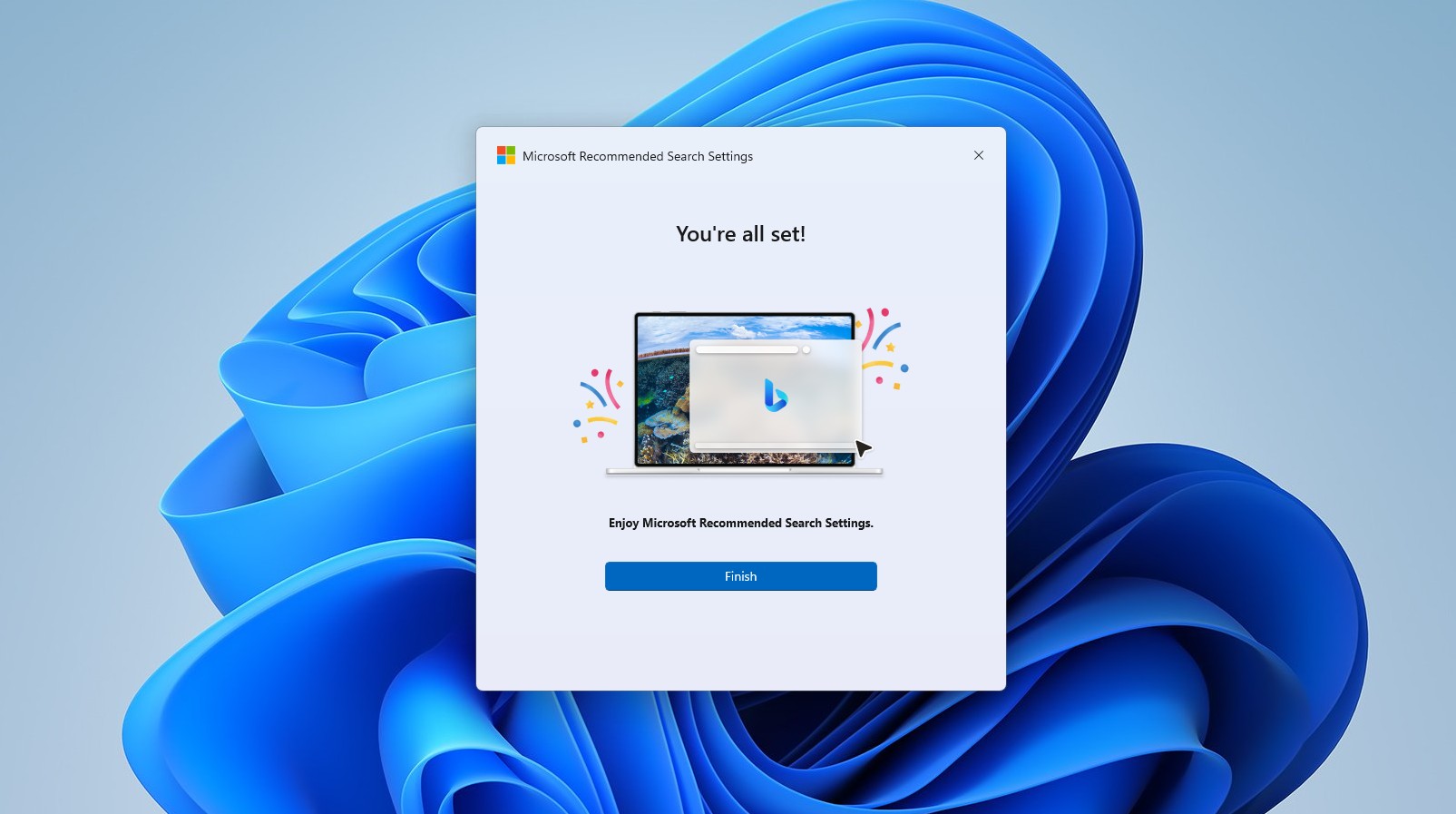
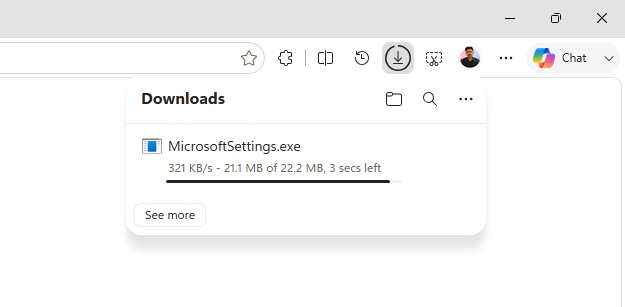
The MSSettings.exe installer, which is 22.2MB, is available through MS’s download portal. During installation, users are prompted multiple times to confirm changes to their default settings, ensuring consent at every step.
While search engine and homepage settings can be modified at any time, many users tend to stick with the defaults, which explains why companies like Google invest billions in securing such positions—such as Google Search being the default on iPhones.
What Changes Does MS Recommended Search Settings Make?
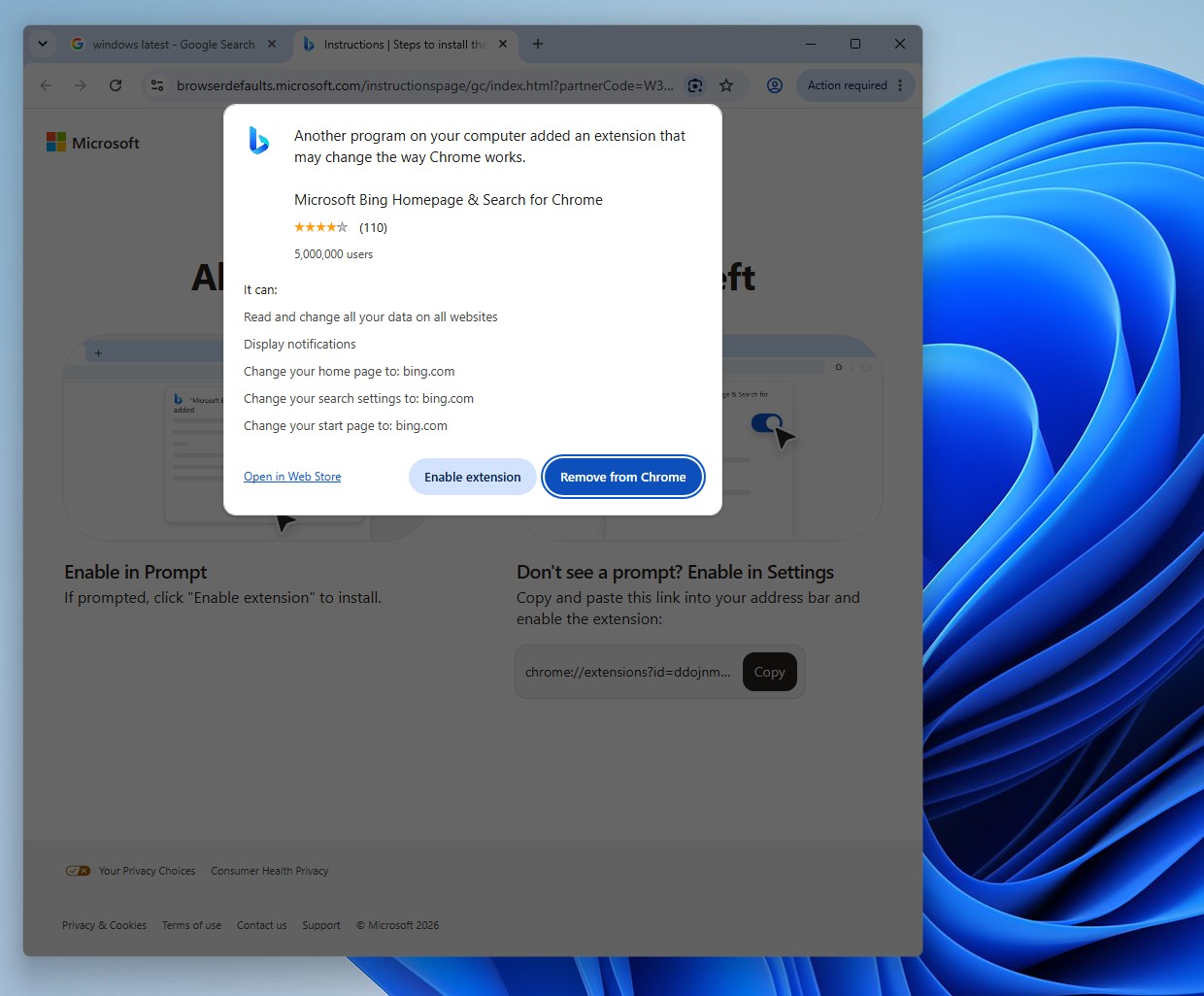
Once installed and accepted, the app introduces an extension called MS Bing Homepage & Search to Chrome, other Chromium-based browsers (such as Brave), and Firefox.
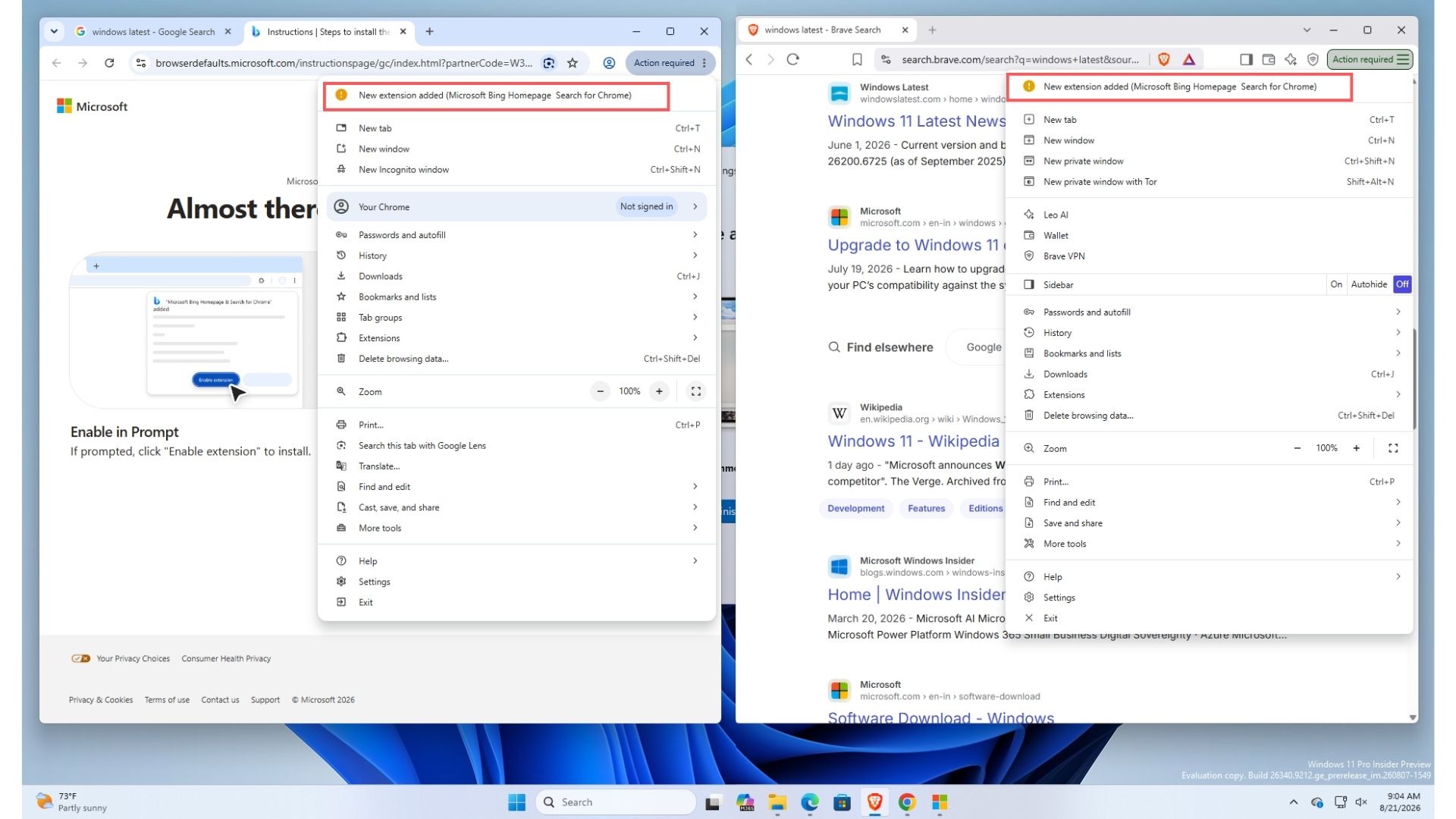
Chrome notifies users of the extension’s permissions, which include the ability to read and change data on all websites, display notifications, and update the home page, search settings, and start page to bing.com. In response, Chrome itself prompts users to revert to Google Search, but MS counters with a follow-up prompt urging users to keep Bing as their default, warning that reverting will disable Bing-specific features like custom wallpapers.
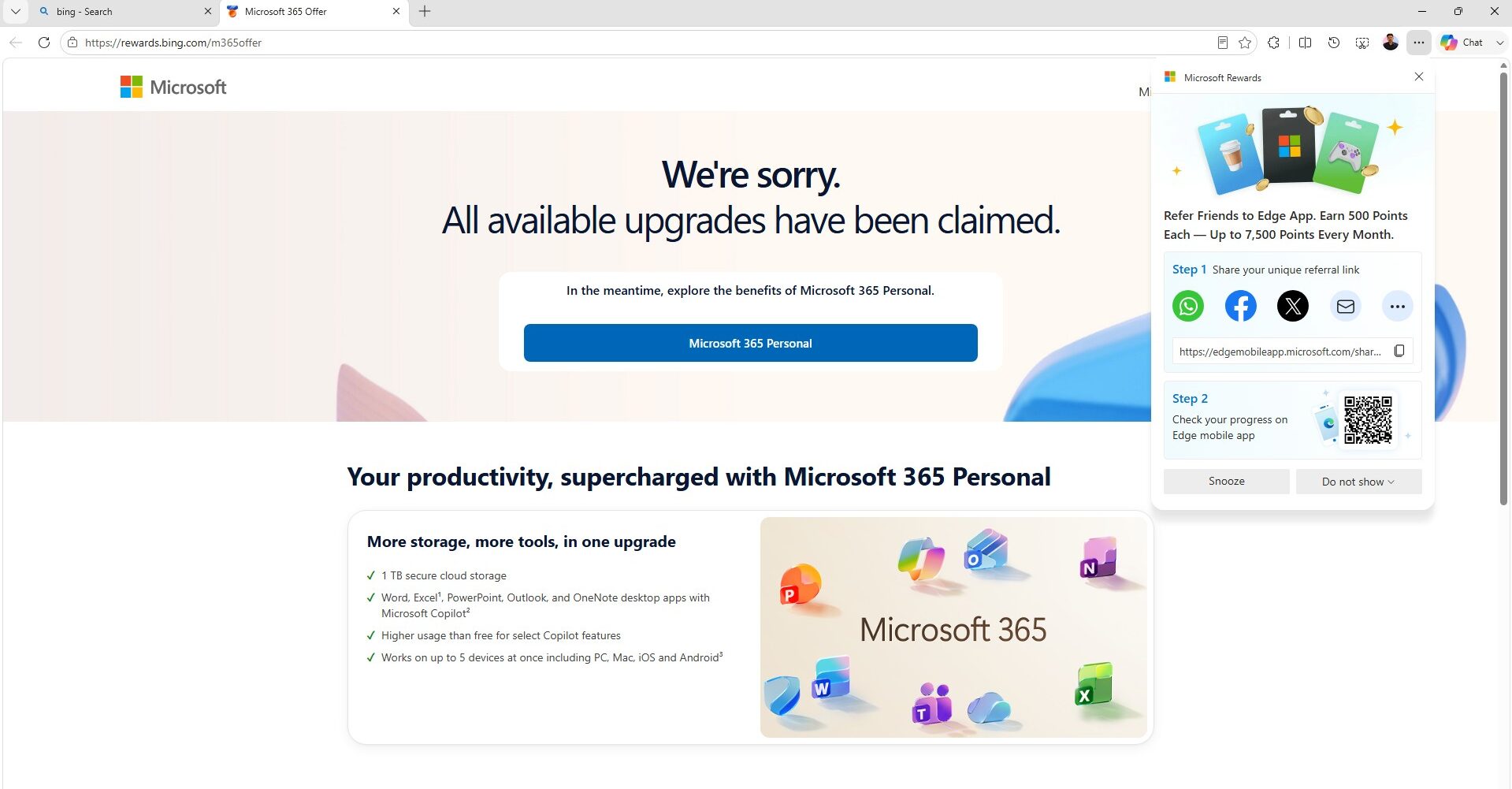
The final stages of setup redirect users to a MS Rewards signup page, while the default new tab page in the affected browser switches to Bing’s MSN-powered homepage.
MS has yet to reveal where the app will be officially listed, leaving users uncertain about how to locate—or avoid—it. The company has promised to share additional information as it becomes available.
Google’s Aggressive Push for Chrome
While MS’s approach is under scrutiny, Google’s tactics have also faced criticism. Despite Bing surpassing 1 billion users, Google continues to leverage its dominant position to promote Chrome. For instance, users visiting Google.com on non-Chrome browsers often encounter intrusive pop-ups encouraging them to download Chrome. These prompts have become increasingly larger and more persistent over time.
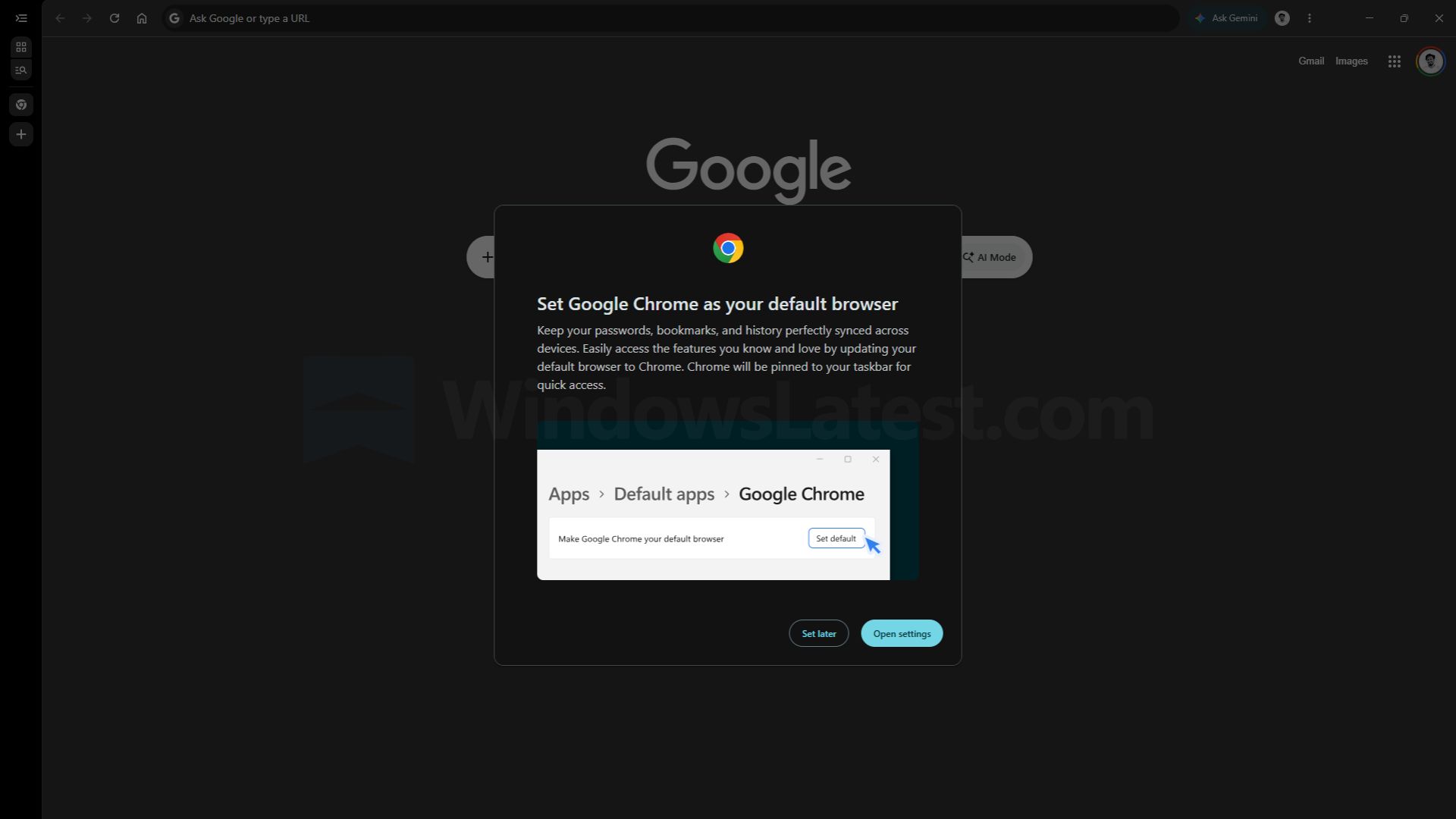
Given Chrome’s status as the most popular browser and Google’s brand ubiquity, these efforts may seem unnecessary but highlight the intense competition between tech giants.
Windows 11: A Shift Toward User-Centric Improvements
On a positive note, Windows 11 has made strides in addressing long-standing user frustrations. In 2026, MS introduced several user-focused updates, such as:
- Removing Copilot buttons from Snipping Tool and Photos.
- Decluttering Windows Search by eliminating years of MSN ads.
- Allowing OneDrive Photos to be removed without disrupting file synchronization.
However, the creation of an optional app to alter browser search defaults seems counterintuitive to these efforts. Users may question why resources are being allocated to such initiatives when the operating system itself still requires significant improvements.
Ultimately, while MS’s assurance that the app is fully optional is reassuring, the company would benefit from prioritizing enhancements to the core user experience of Windows 11 over pursuing potentially controversial endeavors like the MS Recommended Search Settings app.
Windows Latest relies on readers like you. Support us by making us your preferred source on Google Discover and Google Search, and help sustain independent reporting.
